 iCentre
 Student discount · iCentre
iCentre – 12% student discount
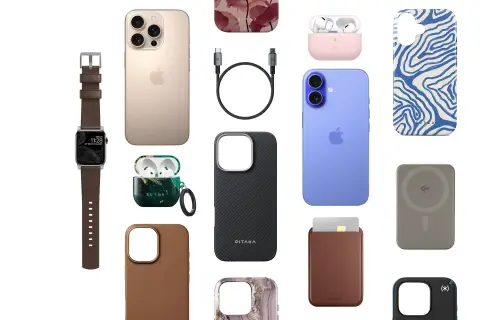
iCentre: 12% student discount for verified students – Full-priced accessories that are not Apple brand. Free activation in the Diverzum app.
How to Use?
The discount can be redeemed on full-priced, non-Apple brand accessories both online and in stores. A coupon can only be used for one order at a time, and within a single order, only one coupon code can be applied. The discount is valid only for full-priced products and cannot be combined with other promotions. The discount is valid while supplies last or until revoked.
You can redeem the discount online and in stores!
Here’s how to redeem the discount online:
Slide the slider to redeem, then wait for the page to redirect.
Browse through the full-priced, non-Apple brand accessories.
Log in to your iCentre account to make a purchase.
At checkout, under Discounts, click on Coupon, paste the code you received into the Coupon Code field, and click the Redeem button.
Complete the order, and you're done!
If you want to purchase multiple different products at a discount from the iCentre website, please place separate orders, as you can only use one type of coupon code per order at a time.
Here’s how to redeem in stores:
Select the non-Apple brand accessory you wish to purchase.
Slide the slider to redeem.
Show the coupon code you received at the checkout.